UPI Deposits, Indibet
upi deposits explained for indibet: step-by-step, with the details most guides leave out.
What is UPI Deposits?
UPI (Unified Payments Interface) deposits at Indibet let you fund your betting account instantly using any UPI-enabled app, GPay, PhonePe, Paytm, BHIM, or your bank's own UPI app, directly from your Indian savings or current account. There is no need to enter card details or net banking credentials each time; a single UPI ID or QR scan completes the transfer. Compared to net banking, which can involve OTPs across multiple screens and 5 to 15 minute settlement delays, UPI typically credits your Indibet wallet in under 10 seconds.
Indibet accepts UPI deposits around the clock, every day of the year. The method is governed by the National Payments Corporation of India (NPCI), so every rupee travels over the same encrypted rails used by India's largest banks. Key limits to know: minimum deposit ₹100, maximum per transaction ₹1,00,000 (subject to your bank's own UPI daily cap), and zero deposit fee charged by Indibet. Because funds move directly from your bank, there is no prepaid wallet to top up and no credit line to manage, money reaches your Indibet wallet in one authenticated step.
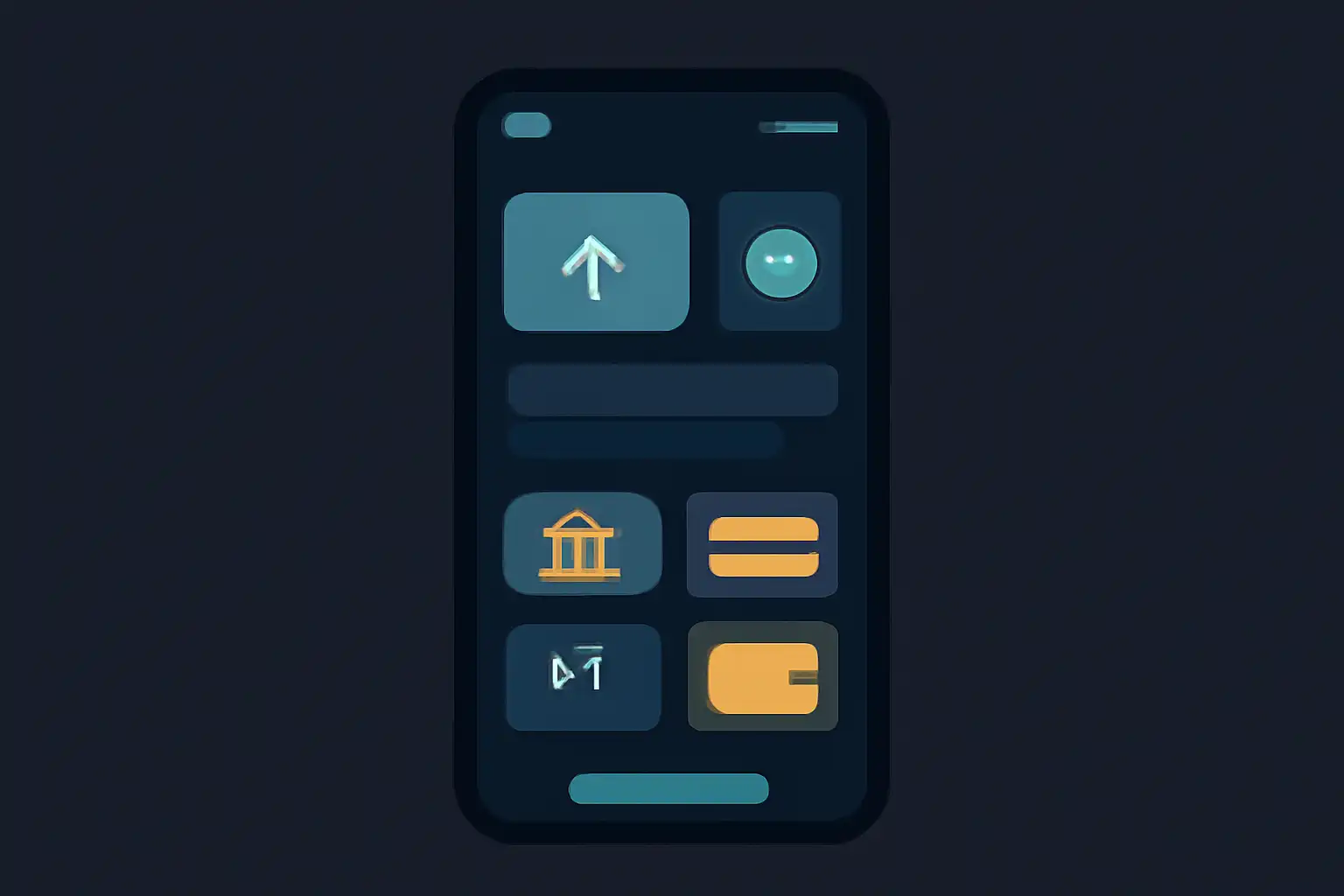
UPI Deposits Step by Step
Log in to your Indibet account and navigate to Wallet → Deposit → UPI. Enter the amount you wish to deposit (minimum ₹100) and tap Proceed. Indibet will display either a merchant UPI ID or a dynamic QR code, both route to the same destination.
Open your preferred UPI app, PhonePe, GPay, Paytm, BHIM, or your bank app, and either scan the QR code or manually enter the provided UPI ID in the "Pay" field. Confirm the amount, authenticate with your UPI PIN, and submit. Switch back to the Indibet tab; your wallet balance should update within seconds. If it does not reflect after two minutes, use the Check Payment Status button on the deposit page before attempting a second transfer, duplicate payments are refunded but can take 24 to 48 hours to reverse.
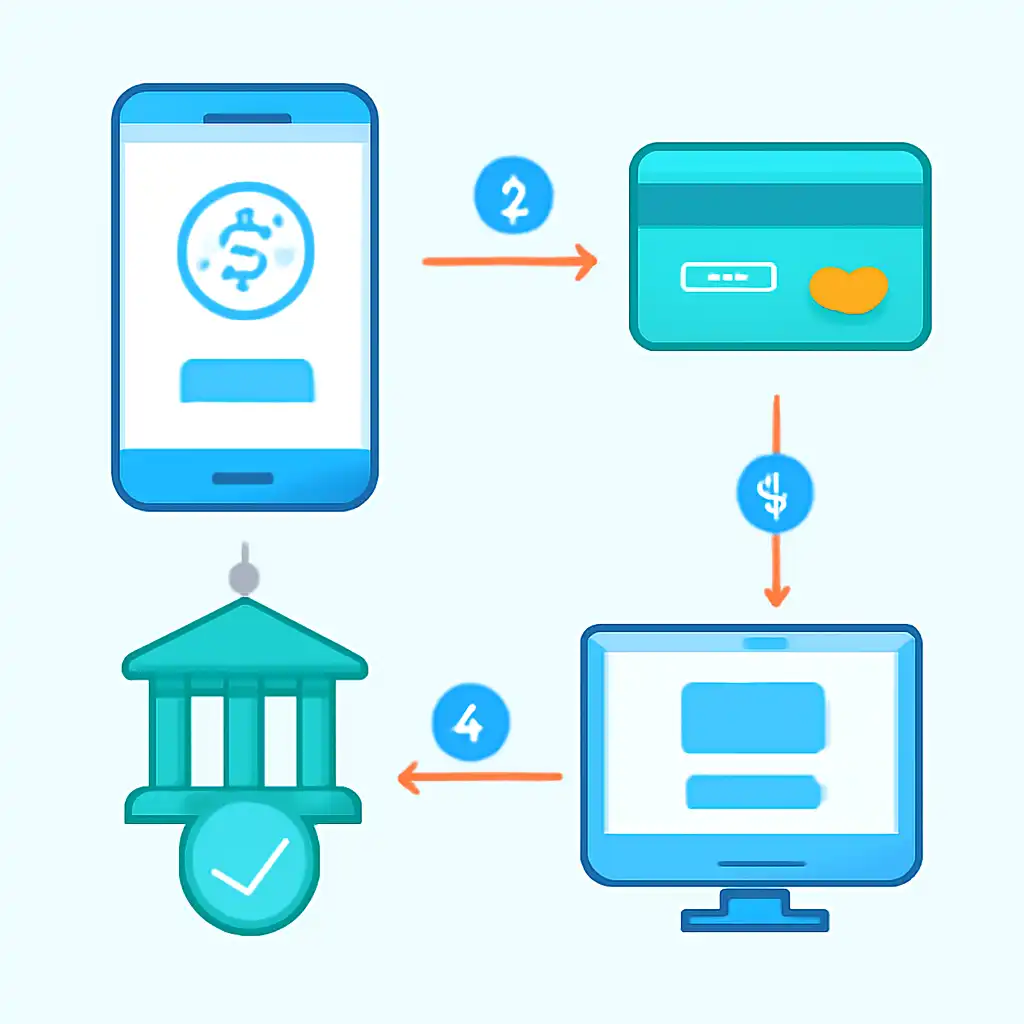
For GPay users, go to New Payment → UPI ID, paste the Indibet merchant ID, verify the payee name that appears, enter the amount, and authenticate. PhonePe users follow the same path under Pay → To Contact/UPI ID. BHIM users select Send Money → VPA. All three flows complete in under 30 seconds on a stable internet connection.
UPI Deposits Tips and FAQs
Does Indibet charge a UPI deposit fee? No, Indibet levies zero processing fee on UPI deposits. Your bank may occasionally apply a nominal inter-bank transfer charge (typically ₹0 to ₹5), but this is rare for personal UPI accounts. What if my UPI PIN is blocked? You must unblock it through your bank's app or customer care before retrying; Indibet cannot override bank-side locks. Is there a minimum deposit? Yes, ₹100 per transaction.
Tip: Always double-check the payee name shown in your UPI app before entering your PIN, it should display Indibet's registered merchant name. If it shows an unfamiliar name, cancel immediately and contact Indibet support. For high-value deposits close to ₹1,00,000, split into two transactions to stay comfortably within your bank's daily UPI ceiling and avoid transaction declines at odd hours. Saving the Indibet UPI ID as a trusted payee in PhonePe or GPay speeds up repeat deposits significantly.